
Prompt Disclaimer
The prompts and templates on this page are provided for educational and informational purposes only. They are starting points — not guaranteed solutions. Results will vary depending on the AI tool you use, how you adapt the prompts, and the specific task at hand. Always review, fact-check, and edit any content produced using these prompts before publishing or acting on it.
AI isn't "bad." Your prompt is vague. This checklist fixes that in 60 seconds.
Most people type something like "write a blog post about side hustles" and wonder why the output reads like a school essay. The problem isn't the AI — it's the lack of constraints.
This post gives you a simple, repeatable checklist to turn vague prompts into useful instructions. No jargon. No "prompt engineering." Just 7 points that work.
The problem: AI isn't "bad," your prompt is vague
Most disappointing AI results come from one issue: the prompt doesn't give the model enough constraints.
If you type:
"Write a blog post about side hustles"
You'll get: generic, repetitive content. This post gives you a simple checklist to turn vague prompts into useful instructions.

Vague prompts produce vague answers. The fix is simpler than you think.
What a good prompt actually contains
A strong prompt usually includes:
Role: Who the AI should act as
Goal: What you want produced
Audience: Who it's for
Format: Headings, bullets, table, etc.
Constraints: Word count, tone, what to avoid
Inputs: Your notes, outline, examples
You don't need all of these every time. But the more specific the task, the more you should include.

Think of prompt components like building blocks. The more you include, the better the output.
The 7-point beginner prompt checklist
State the outcome in one sentence
Bad: "Help me with my website."
Better: "Write a 120-word homepage intro for a beginner affiliate marketing blog."
Define the audience
Give the AI a role
Roles reduce randomness.
Specify the format
Tell it what "done" looks like.
Add constraints (what to avoid)
This is where quality jumps.
Provide inputs (even rough ones)
Paste your bullet notes, your outline, your product features. AI is much better at rewriting than inventing.
Ask for a self-check
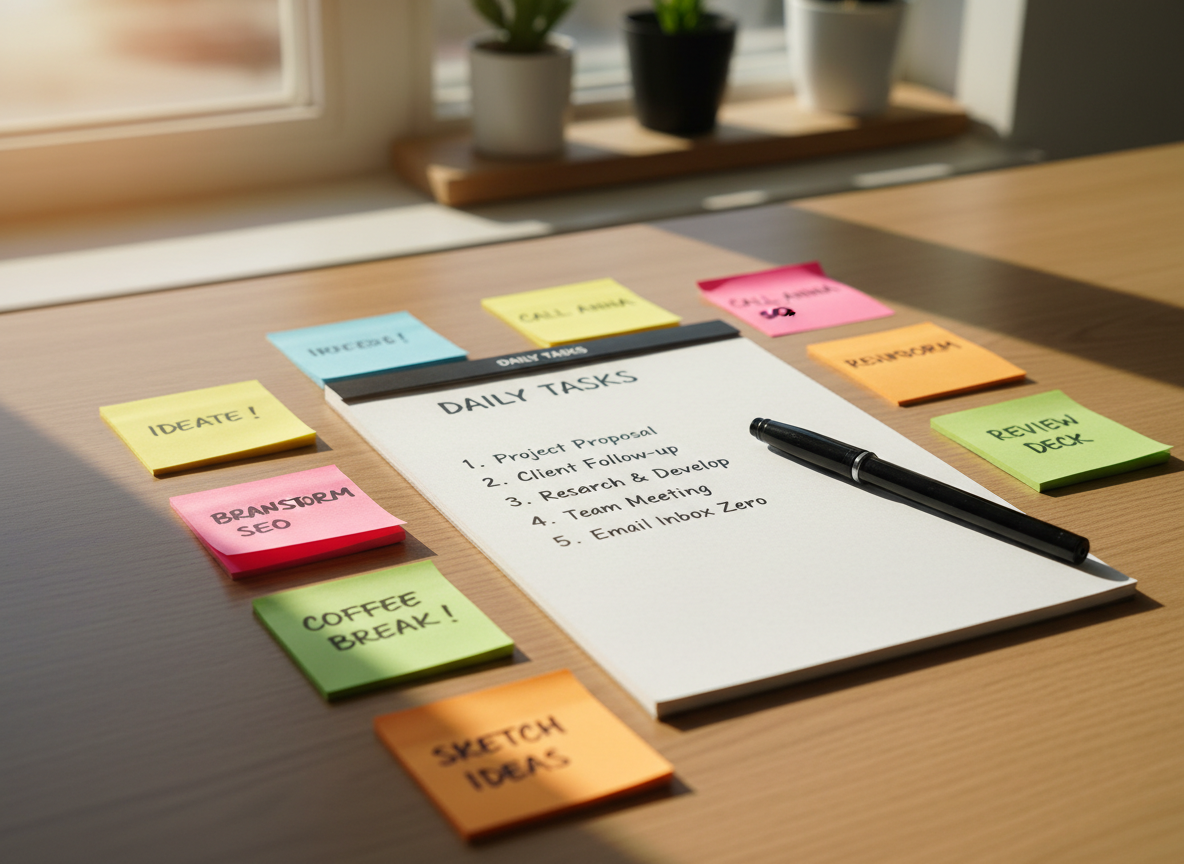
Run through all 7 points before hitting send. It takes 60 seconds and saves you 20 minutes of editing.
Copy/paste prompt templates
Template A: Blog section rewrite
"Act as a clear, beginner-friendly editor. Rewrite the text below so it's easier to understand. Use short sentences. Keep the meaning the same. Avoid hype. Output as 2 short paragraphs.

TEXT: [paste]"
Template B: Outline to full draft
"Act as a practical blogger. Write a 1,300-word post for beginners about [topic]. Audience: [who]. Tone: direct, no-nonsense. Format: H2/H3 headings, short paragraphs, bullet lists. Include: [must-have points]. Avoid: [what to avoid]. End with a checklist.

Here is my outline: [paste]"
Template C: Turn notes into steps
"Turn these notes into a step-by-step plan. Use numbered steps. Add a 'common mistakes' section.

Notes: [paste]"

Save your best prompts somewhere accessible. Reuse them. Improve them over time.
Troubleshooting: if the output is still weak
Try these fixes:
Too long and fluffy: "Cut 30% of words. Remove repetition."
Too generic: "Add 3 concrete examples."
Wrong tone: "Make it more direct and less cheerful."
Missing structure: "Use headings and bullets."
Most prompt failures have simple fixes. Adjust one variable at a time.
A realistic workflow you can use today
Write a messy prompt in 60 seconds.
Add audience + format + constraints.
Generate.
Ask for a self-check.
Edit the first 20% manually (it sets the tone for the rest).
"The difference between a mediocre prompt and a great one is 60 seconds of thought. That's it."
Want a deeper affiliate marketing foundation?
If you're building online income systems (and you want the beginner-safe, transparency-first version), Nomad Affiliate is our dedicated hub for affiliate frameworks.
Visit Nomad Affiliate →Link opens in a new tab.
Disclosure: This article may contain affiliate links. If you purchase through them, we may earn a commission at no extra cost to you.